Evaluate a used filament printer before buying
Inspect the documented configuration, service history and a representative print before considering a used machine.
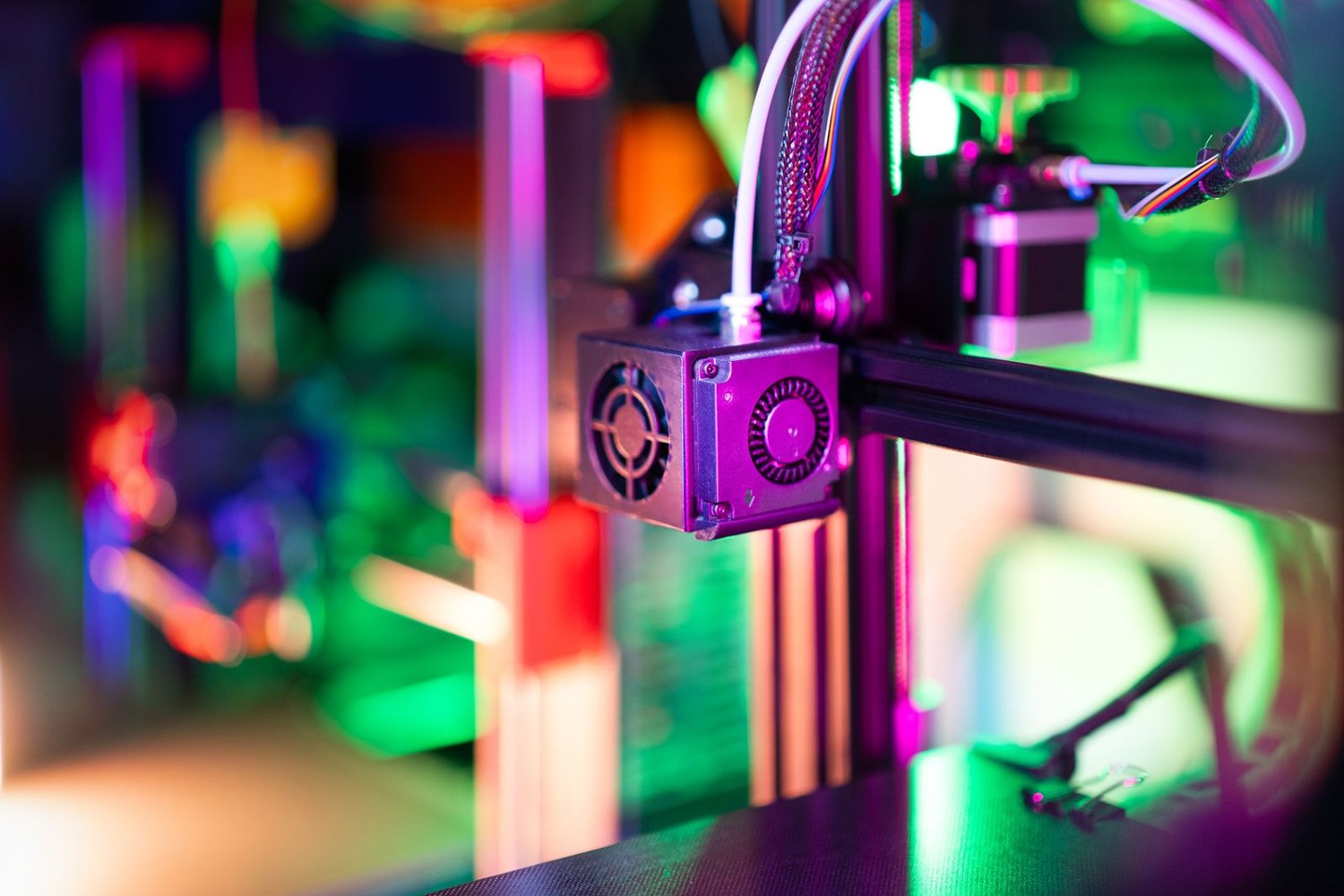
A used filament printer is a particular machine with a particular history, not just a discounted model name. Ask for the exact model, revision and any changes before arranging an inspection. A replacement hotend, modified control board or altered enclosure can affect which instructions and spare parts apply. Keep a list of those changes rather than assuming the original specification still describes the printer.
Request photographs of the machine, build surface, cable routing and included accessories. Ask which parts were replaced, why they were replaced and whether the original parts or records remain. Missing information does not automatically prove a problem, but it should remain part of the decision rather than disappearing beneath a low price.
Inspect without improvising repairs
Compare the visible setup with the manufacturer's current manual and safety notices for that exact model. Look for obvious damage, loose exposed wiring, scorched areas or missing guards. If the condition raises an electrical or mechanical concern, do not power it up to see what happens. Have it assessed appropriately or choose another machine.
Check that the included power arrangement is suitable for your location. Confirm identification labels and the normal controls. Ask the seller to demonstrate the machine using its documented procedure; do not reach into moving equipment or attempt a repair during a purchase visit. A seller's assurance that an error can be ignored is not a replacement for manufacturer guidance.
Use a print that answers your questions
Choose a modest model containing a flat base, a wall and one feature relevant to your work. A dramatic decorative object may hide the fit or surface issue you need to see. Confirm which file and profile are being used, and observe the start as well as the finished result. A previously printed sample could have come from a different setup.
Let the part reach the appropriate handling condition before examining it. Compare the important dimensions and inspect the first layer, upper surfaces and visible seams. The demonstration can show that the machine performed that job at that time. It cannot establish the remaining life of every component or guarantee future performance with unfamiliar materials.
Check the cost and availability of likely consumables, not only major upgrades. A worn build surface, unsuitable nozzle or missing spool holder can add time and expense immediately. Review whether software, manuals and firmware are still available from the manufacturer, and clarify any account transfer or ownership requirements before paying.
Make the final decision with a written inventory of what is included. Separate confirmed condition from assumptions and price unresolved work realistically. If the machine cannot be demonstrated safely, or its modifications cannot be explained, walking away can be the most efficient outcome. The aim is a printer whose condition and support path you understand, rather than the lowest purchase price attached to a familiar badge.
Prepare your own acceptance notes before the visit. Divide them into identification, visible condition, demonstrated operation and included items. This keeps the conversation focused and reduces the chance that a successful final print distracts from a missing component or unexplained modification. Photograph identification labels with the seller's agreement, and retain the exact model information for checking support afterwards.
Ask what the machine was normally used to print. The answer can suggest which consumables deserve closer examination, but it should not be treated as a verified service record by itself. If abrasive materials were used, for example, ask which nozzle was installed and when it was replaced. If the printer was stored for a long period, ask what checks were performed before the demonstration. Keep the answers as statements from the seller rather than presenting them later as confirmed facts.
Plan transport before completing the purchase. Use the manufacturer's packing or moving guidance, including how movable components are secured and which parts should be removed. Photograph the arrangement before disassembly if that helps restore it correctly. A machine that demonstrated well can still be damaged by an improvised journey. After moving it, complete the appropriate setup checks again instead of assuming the seller's calibration remains valid in the new location.
Another detail to explore
Choose a first 3D printer around the objects you want to make
Start with three objects, their dimensions and the space available for making them. Those decisions narrow the printer search before speed claims do.
Read article
Read a sliced preview before starting a print
Read the toolpaths, first layer and delicate features before a file reaches the printer.
Read article