Choose a background for a terrain model
Choose a background that separates the model's silhouette and supports its colours without becoming a second subject.
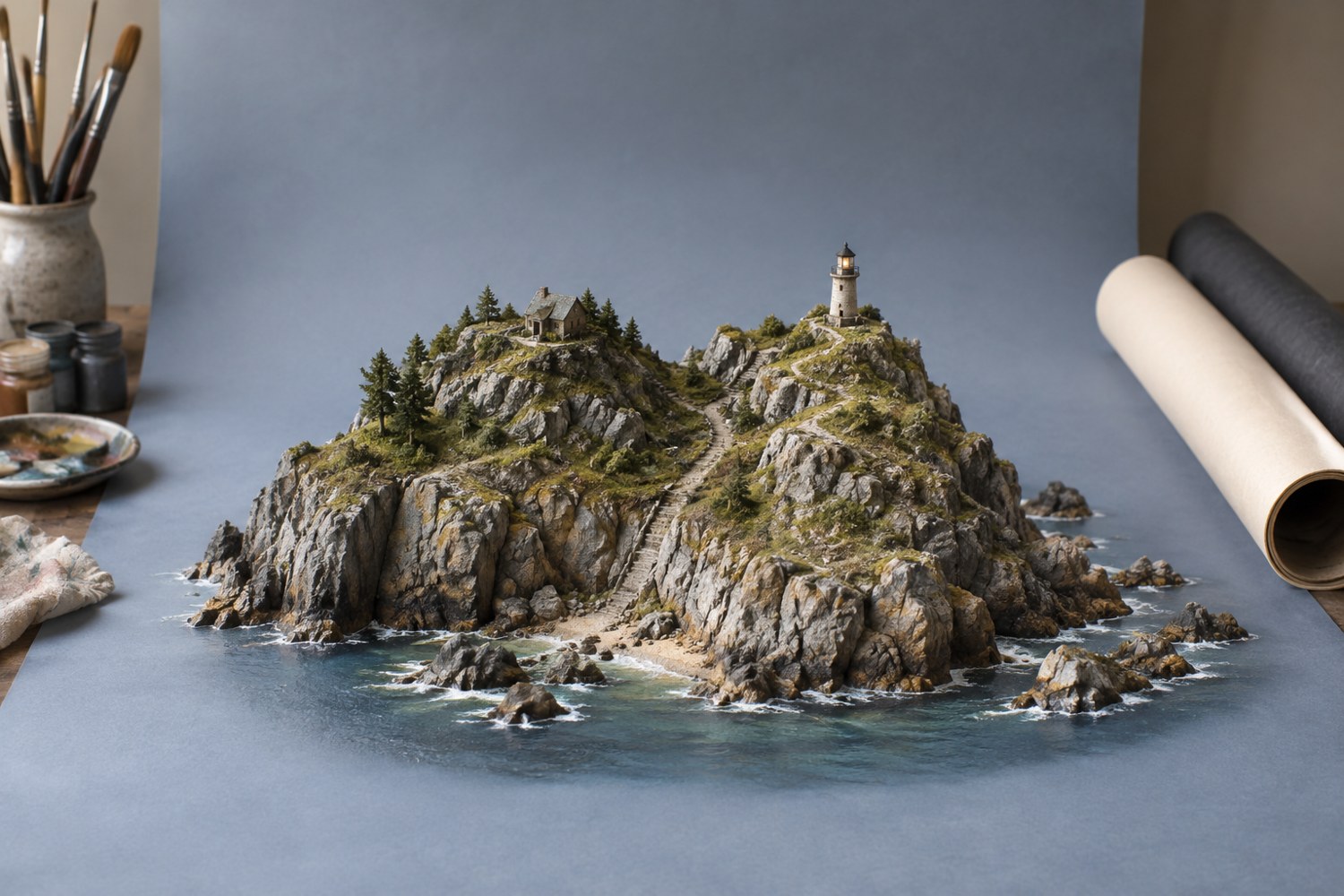
A background should make the terrain easy to read. Start with a plain neutral sheet and look at the outline of the model. If pale rock disappears into a light background, try a slightly darker one. If a dark building loses its edge, lighten the background or change the light. There is no single background colour that suits every miniature.
Use a material with an appropriate surface finish. A glossy sheet can reflect the model or window in ways that compete with the scene. A heavily textured fabric can look enormous beside miniature objects. Test the background in a photograph, because the camera may emphasise wrinkles or texture that you overlook in person.
Keep the sheet large enough to extend beyond the frame. A gentle curve between the table and vertical background removes a hard corner, but secure it so it cannot spring forward onto the model. Leave room around the base for cropping rather than filling the frame so tightly that the background edge becomes unavoidable.
For a record image, a simple surface helps show the model honestly. For an atmospheric portfolio image, a coloured or scenic background may be appropriate, but it should not imply that a real location is part of the physical model. Keep a separate neutral view if the construction needs to be assessed.
Check the colours together. A strong blue background can influence the apparent warmth of a grey building, while a saturated red can dominate a small scene. Try a muted alternative before changing the model's paint or applying heavy colour correction.
Move the model away from the background if its shadow is distracting. You can also adjust the light angle, but keep the important textures visible. Avoid solving every shadow with brighter frontal lighting, which can flatten the miniature.
Take three quick tests with different backgrounds using the same camera position and exposure approach. Compare the silhouette, colour separation and visible surface detail. Choose the option that makes the model easiest to understand at the intended image size. Save that choice with the project photos so later additions to a portfolio can be presented consistently without guessing which sheet or fabric was used.
Another detail to explore
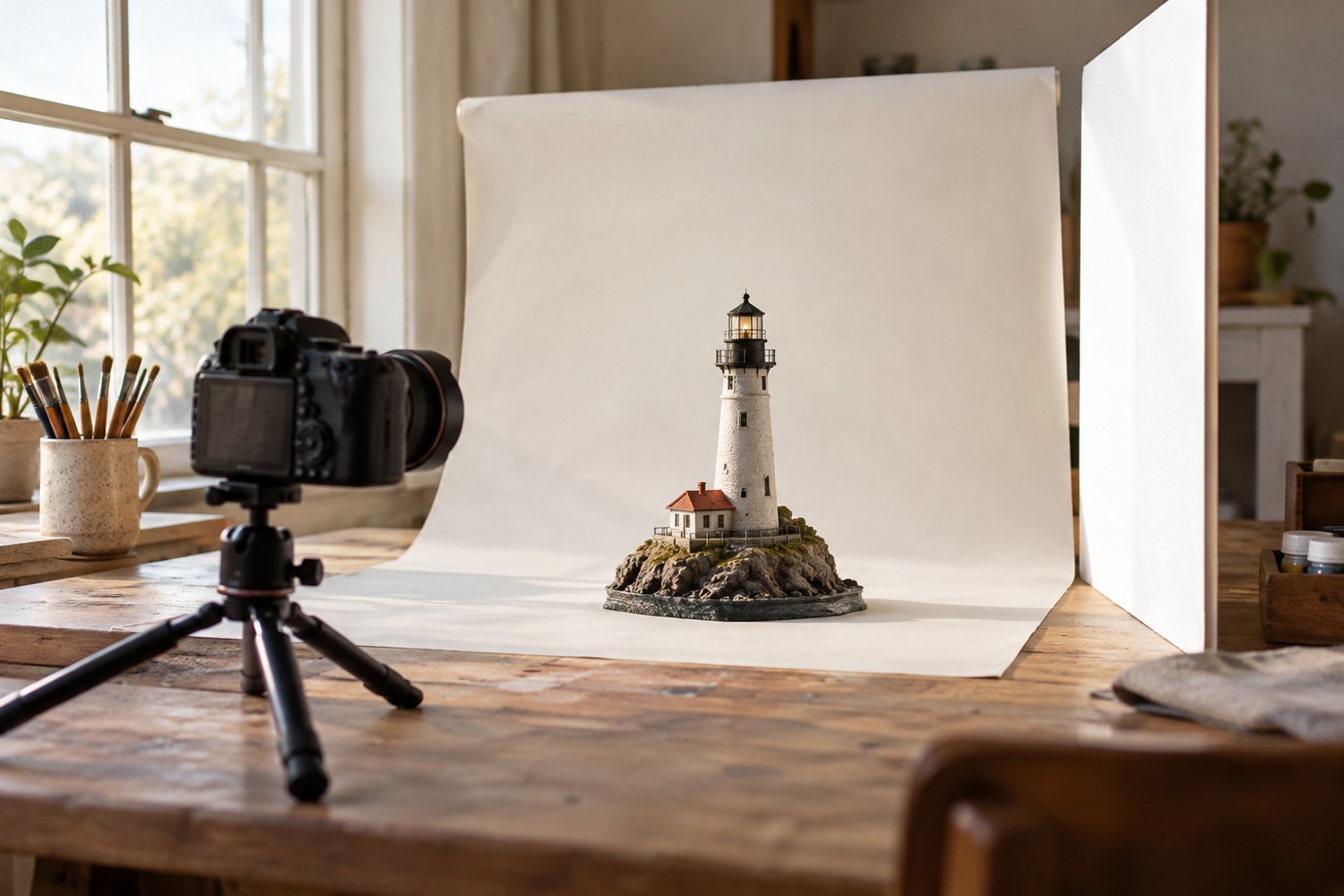
Photograph a miniature with a simple window-light setup
Use a stable model position, indirect window light and a simple reflector to make small forms readable in photographs.
Read article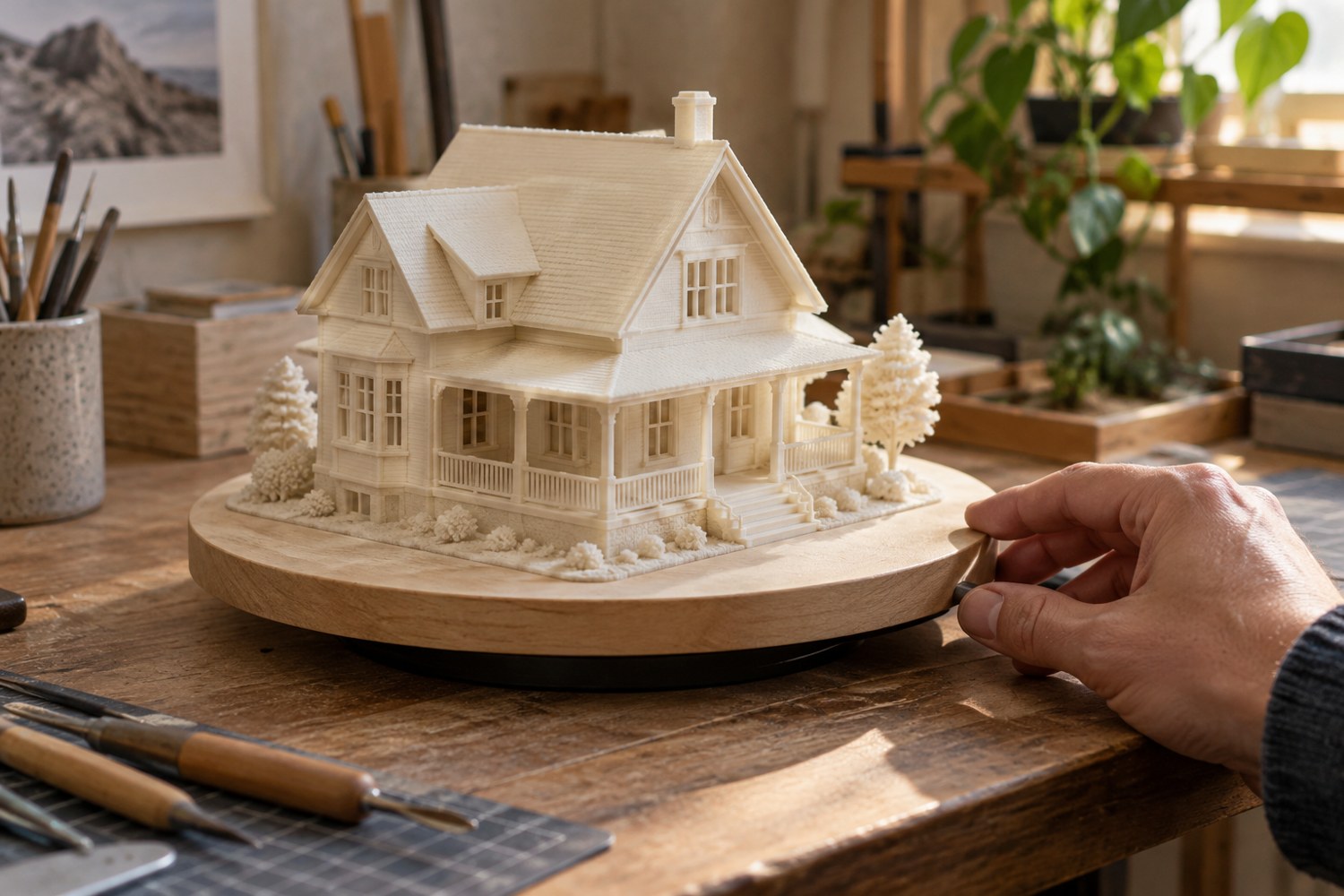
Use a turntable to inspect a finished print
Use a stable turntable to inspect changing reflections and silhouettes, with the model supported by its base.
Read article